Unlock Apps with
Brain Power.
Turn mindless scrolling into learning moments. BrainPass locks the apps you choose and requires your child to answer math, science, and reading questions to unlock them.
Get it on Google Play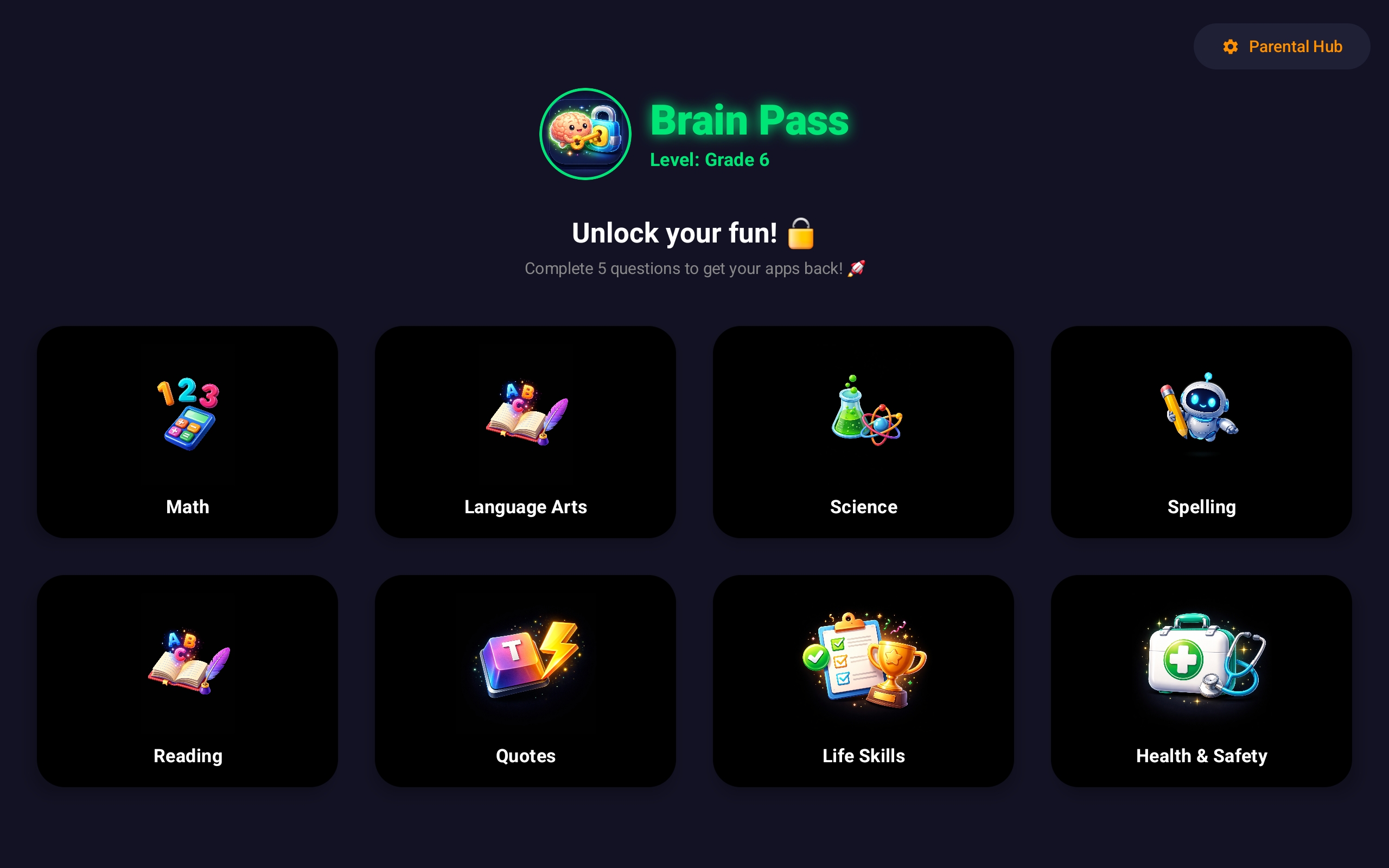
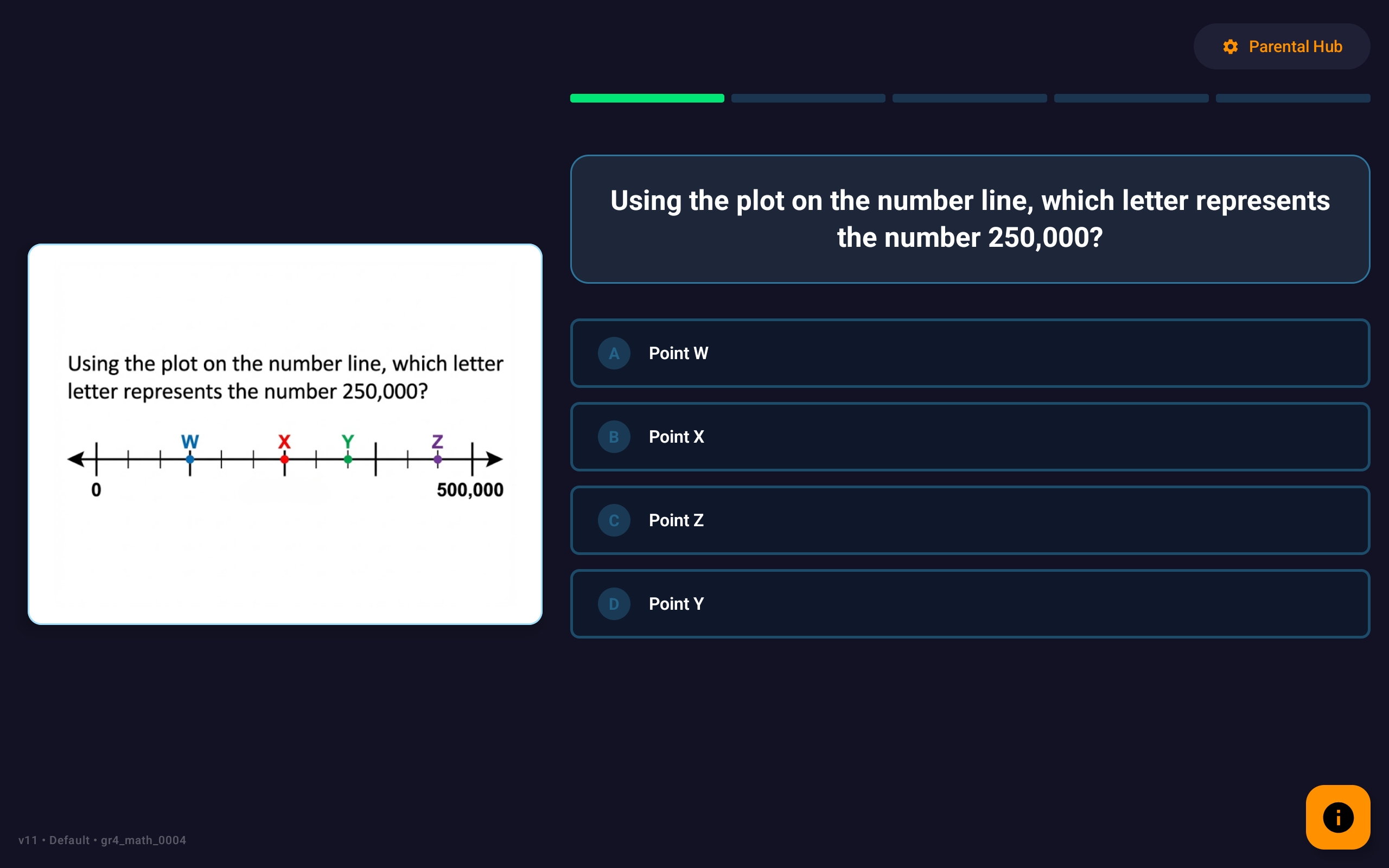
Turn mindless scrolling into learning moments. BrainPass locks the apps you choose and requires your child to answer math, science, and reading questions to unlock them.
Get it on Google Play
Select which apps to lock (like YouTube, Roblox, or TikTok).
Customize the difficulty from Kindergarten to Grade 8.
Your child answers curriculum-aligned questions to unlock their fun!
"Finally, my son actually does math before watching YouTube. It's genius."
- Sarah M., Mom of 2"I love the report card feature. I can actually see what they are learning."
- Mike T., Beta Tester